Texture-Aware Remeshing for Texture-Aware Geometry Processing
Julian Knodt and Seung-Hwan Baek

Questions? Email me at [email protected].
Abstract:
3D artists blend geometry and texture to craft objects and their appearance, using both geometric and image processing tools. Yet, it is difficult for geometry processing to account for textures in the standard UV with texture maps representation. When textures are represented as vertex colors though, we show texture-aware geometry processing becomes straightforward. Unfortunately, most textured meshes are represented with UV parameterizations, so in practice most geometry processing tools simply ignore texture. This scarcity of vertex colors meshes is remedied using a new remeshing approach that hoists textures to vertex colors through per-triangle remeshing, while preserving input appearance. This new remeshing takes meshes with UVs and texture maps and generates vertex color meshes, which are then used to show how vertex colors can be incorporated into geometry processing through texture-aware modifications to multiple applications. Specifically, we test texture-aware geometry processing on surface segmentation, Tutte parameterizations, surface texture processing algorithms such as edge-detection, and vector field operations with the texture gradient. For each application, texture information produces different and in some sense improved results as compared to geometry-only algorithms, or image processing algorithms performed in UV space.
Fast-Forward:
This work converts textured meshes into meshes of vertex colors by projecting pixels onto triangle faces in 2D, and resampling in 3D. The use of vertex color meshes is then demonstrated in applications including clustering, texture aware UV parameterization, view-independent texture edge detection, and quad remeshing following a texture’s gradient.
Designing a coaster:
Using the tools in this paper, it’s straightforward to design a coaster from an image:
What you’ll need:
- An image for converting into a coaster
- The image shouldn’t be too complex.
- Blender
- With basic knowledge of how to edit meshes. Some tutorials are linked below.
- This Project’s Code
- Rust for compilation
- uv for scripts
-
Change to the source code directory for the project:
cd texture_to_vert_colors - Create a vertex color mesh with:
cargo run --release -- -i data/plane.obj -d <PATH TO YOUR IMAGE> \ --target-tri-num <# HERE> -o vert_color_mesh.ply - Split the mesh into charts with separate color. You may have to tweak the number of pieces
you break it into, with
-t.clusters.plyhas the output images clusterscargo run --release --bin clustering -- -i vert_color_mesh.ply -o clustered_mesh.ply -t 20 \ -c clusters.ply -
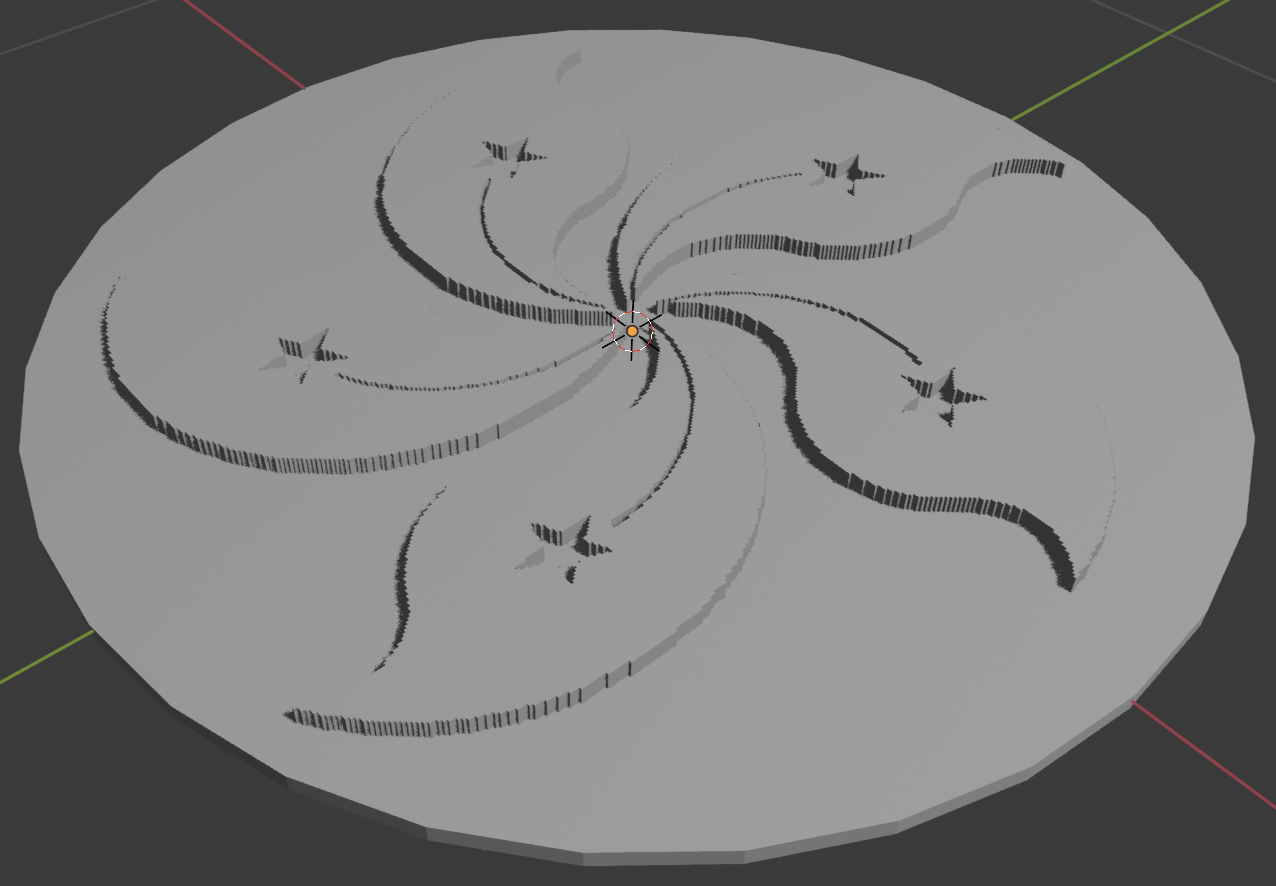
This step requires a little bit of artistry. Open the mesh in blender. You can now select regions by going into edit mode, selecting a vertex in a region, and then selecting all linked vertices. Clusters can then be extruded to show the design. Background colors can also be deleted.
- Rotate the mesh 90 degrees so that it’s flat with the ground, and add a cylinder. Then export the mesh as either a PLY or OBJ, and you have something ready for 3D printing!
Here’s an example done with the Hong Kong flag: